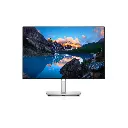
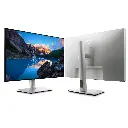
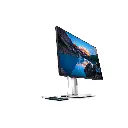



Features & Design
It’s hard to look away
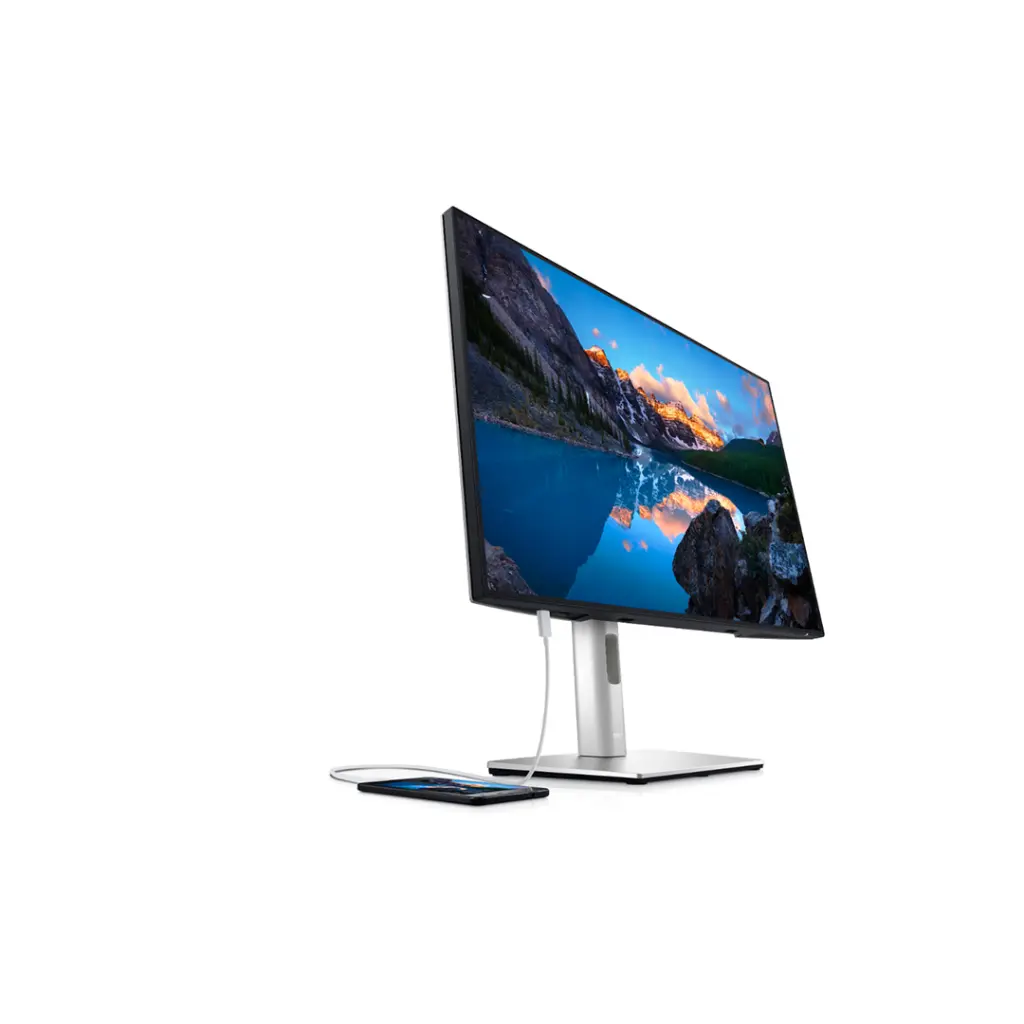
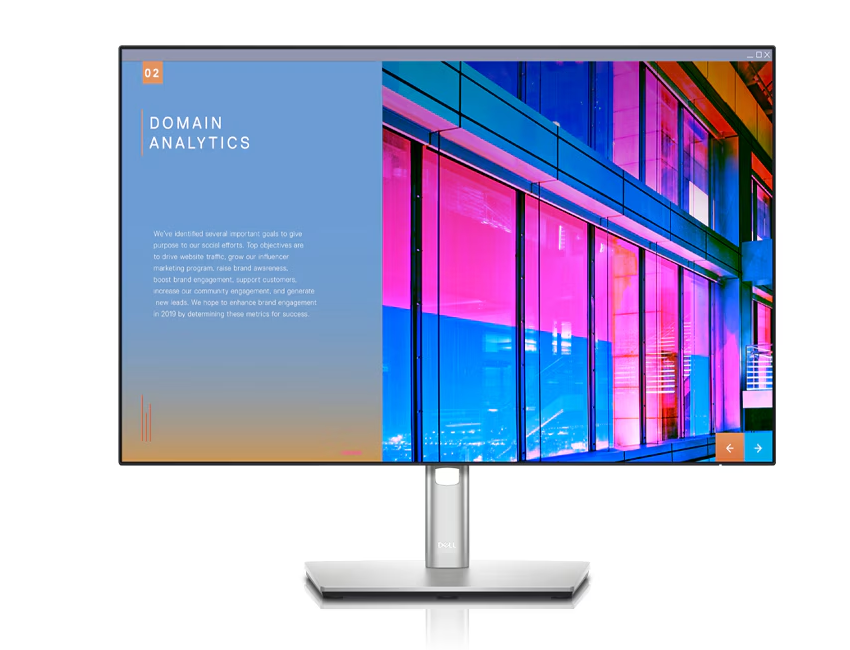
Easy on the eyes: ComfortView Plus is an always-on, built-in low blue light screen that optimizes eye comfort by reducing potentially harmful blue light emissions while delivering excellent color accuracy.
Color consistency comes standard: See consistent, vibrant colors across a wide viewing angle enabled by In-Plane Switching (IPS) technology. With 99% sRGB coverage to an accuracy of Delta-E less than 2, you get precise hues right out of the box.
See more, scroll less: Boost productivity with an extended vertical view on this 24" 16:10 WUXGA (1920 x 1200) display which provides 11% more on-screen real estate.
Your productivity hub
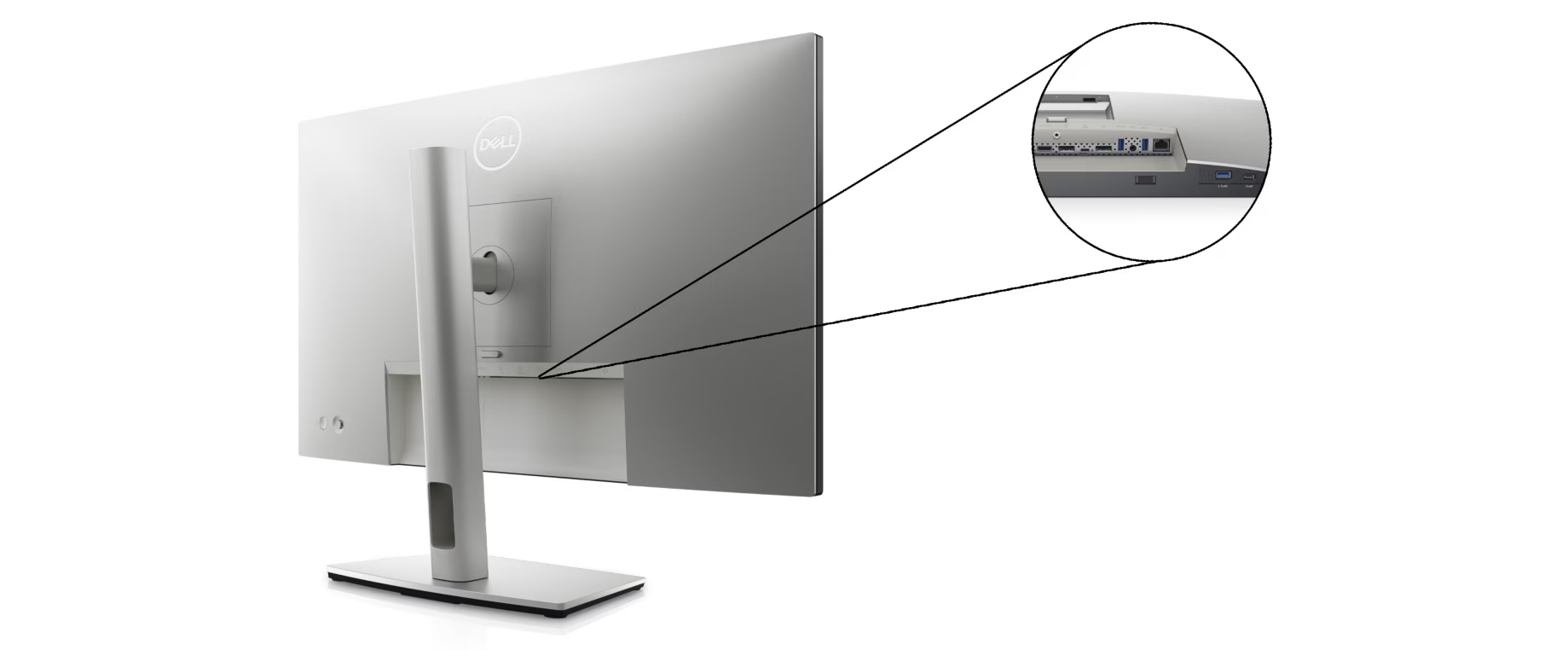
Connect to productivity: With connectivity options like RJ45 and USB-C®, your monitor delivers robust Ethernet and power (up to 90W)—all in a clutter-free setup.
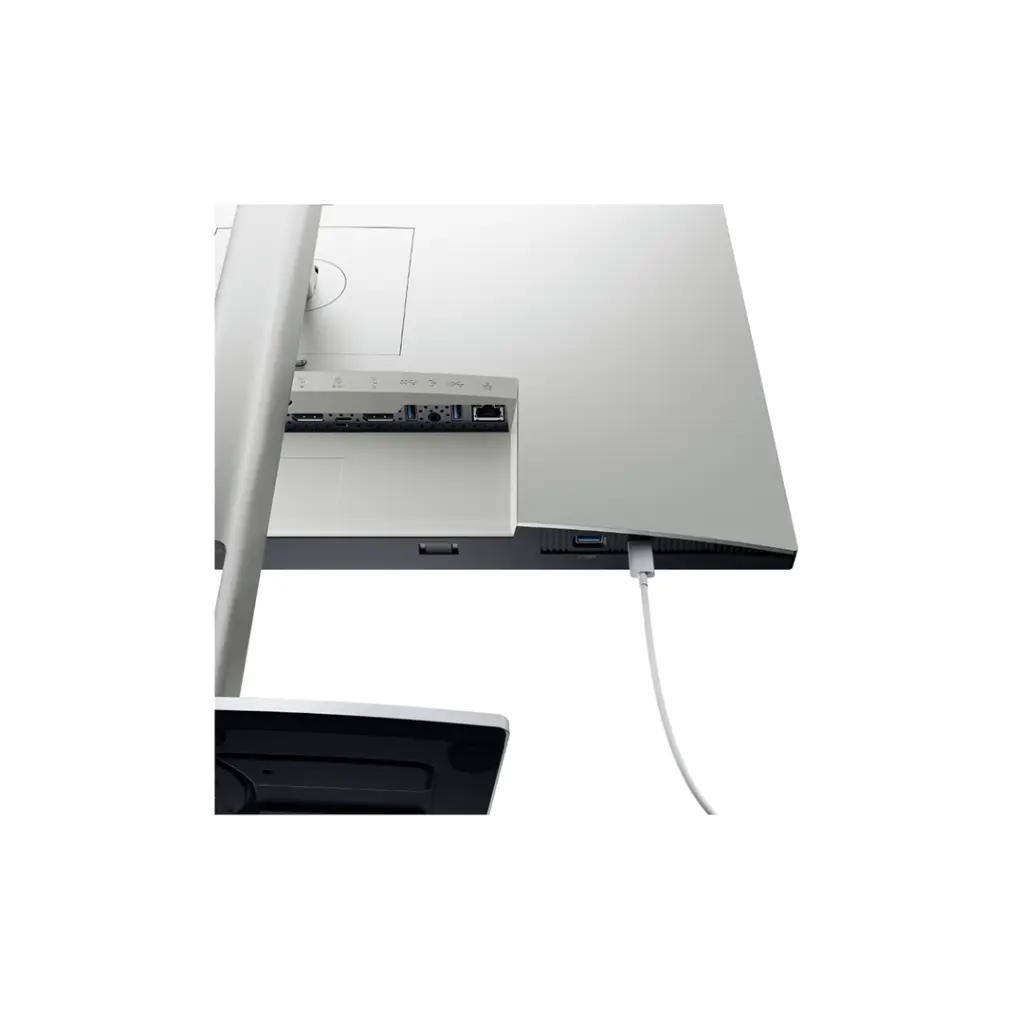
Quick access: Conveniently placed SuperSpeed USB 5Gbps and USB-C ports located at the front of the monitor allow quick connections to storage devices, mobile phones and other peripherals while enabling up to 15W of power delivery (via USB-C).
Enhanced manageability: Managing your monitor is easy with MAC Address pass-through, PXE Boot, and Wake-on-LAN conveniently built in.
Set up for more: DP out connectivity enables a multi-monitor setup by daisy chaining up to three monitors.
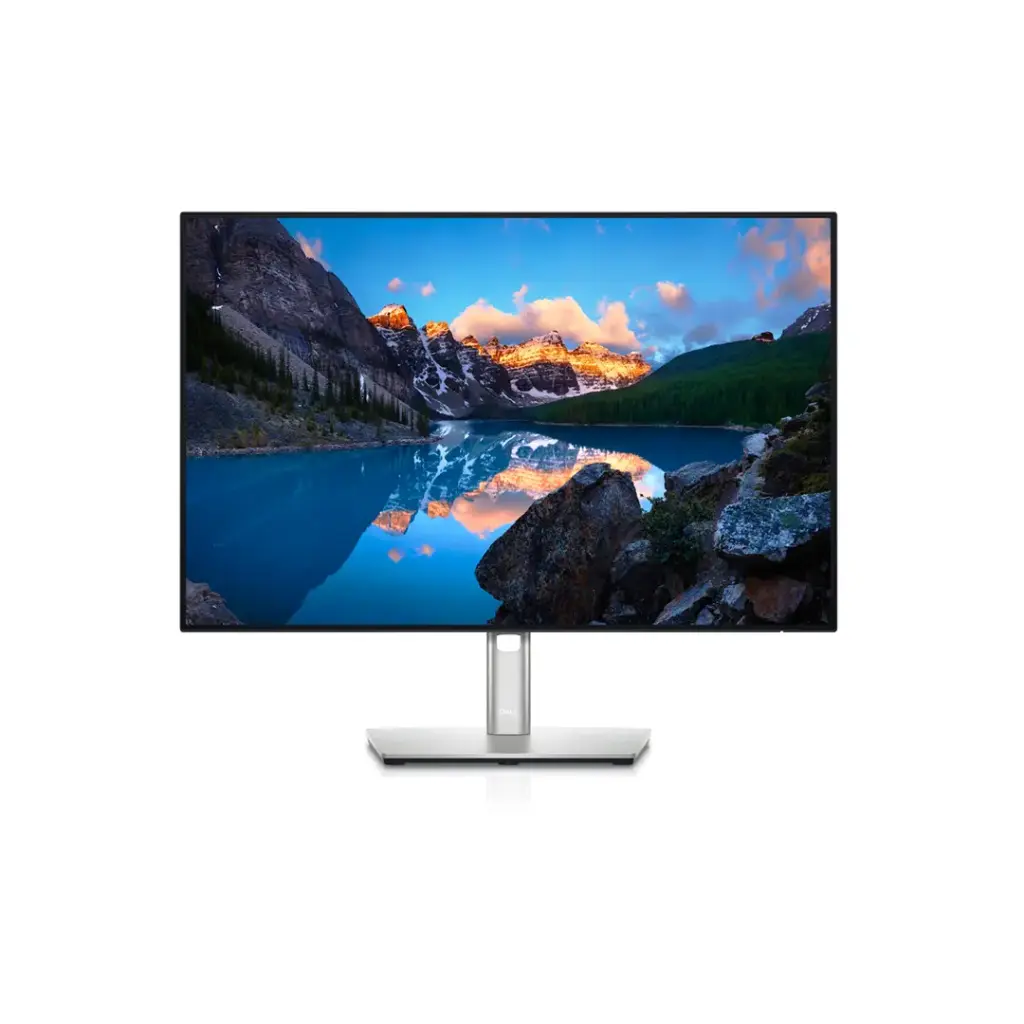
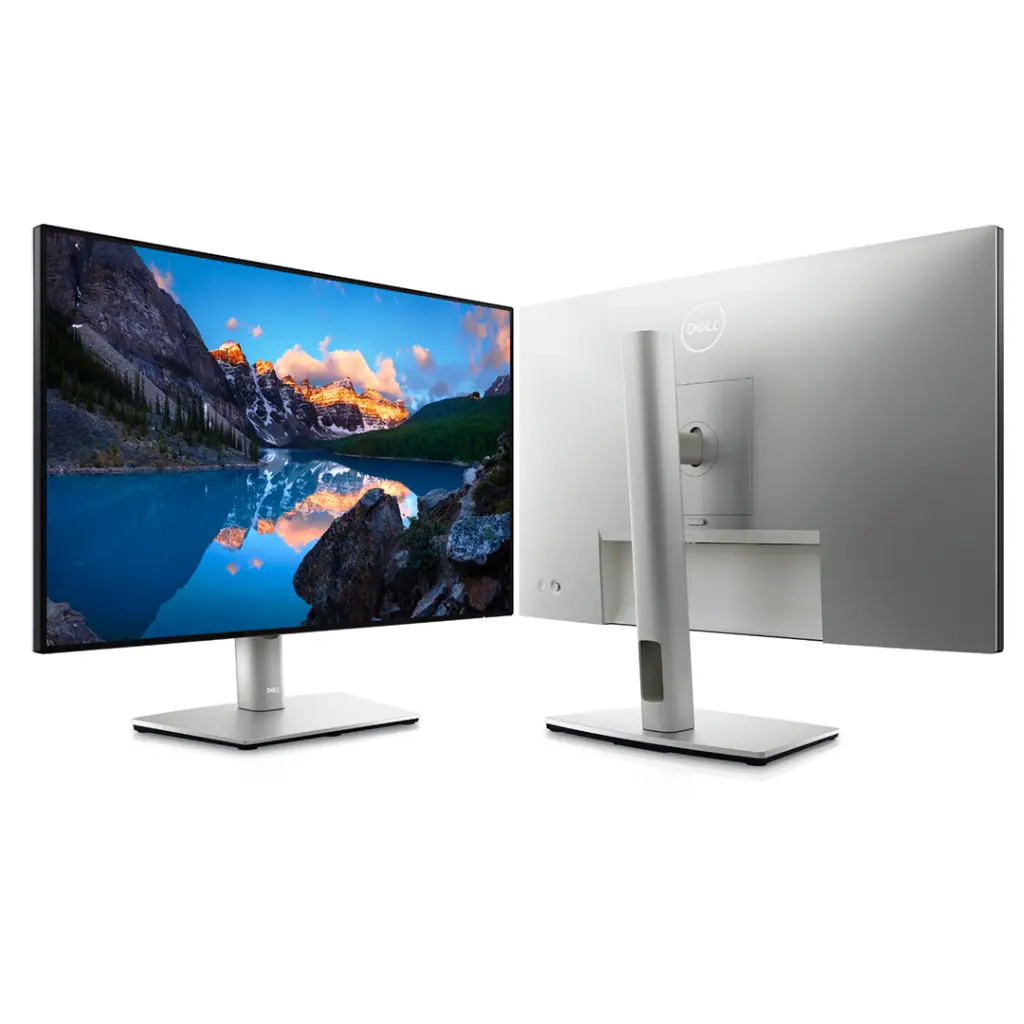
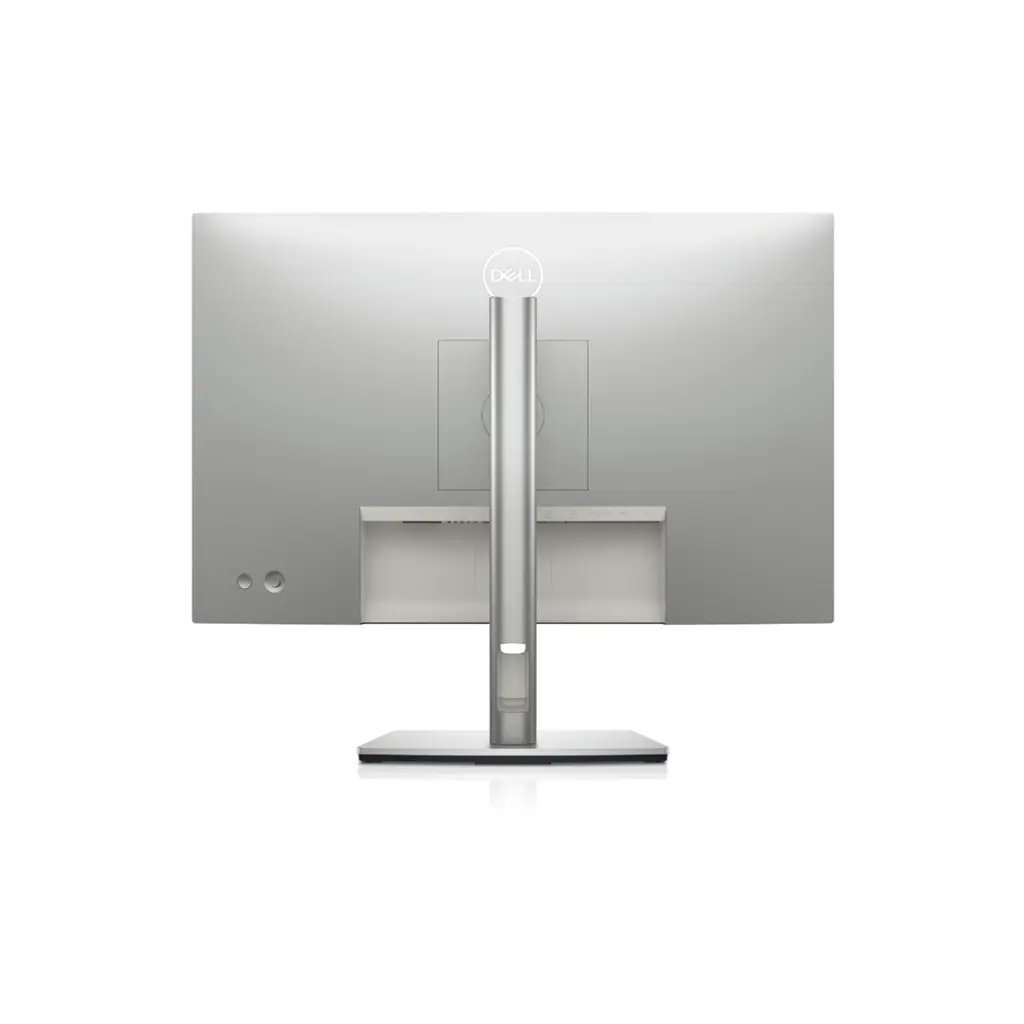
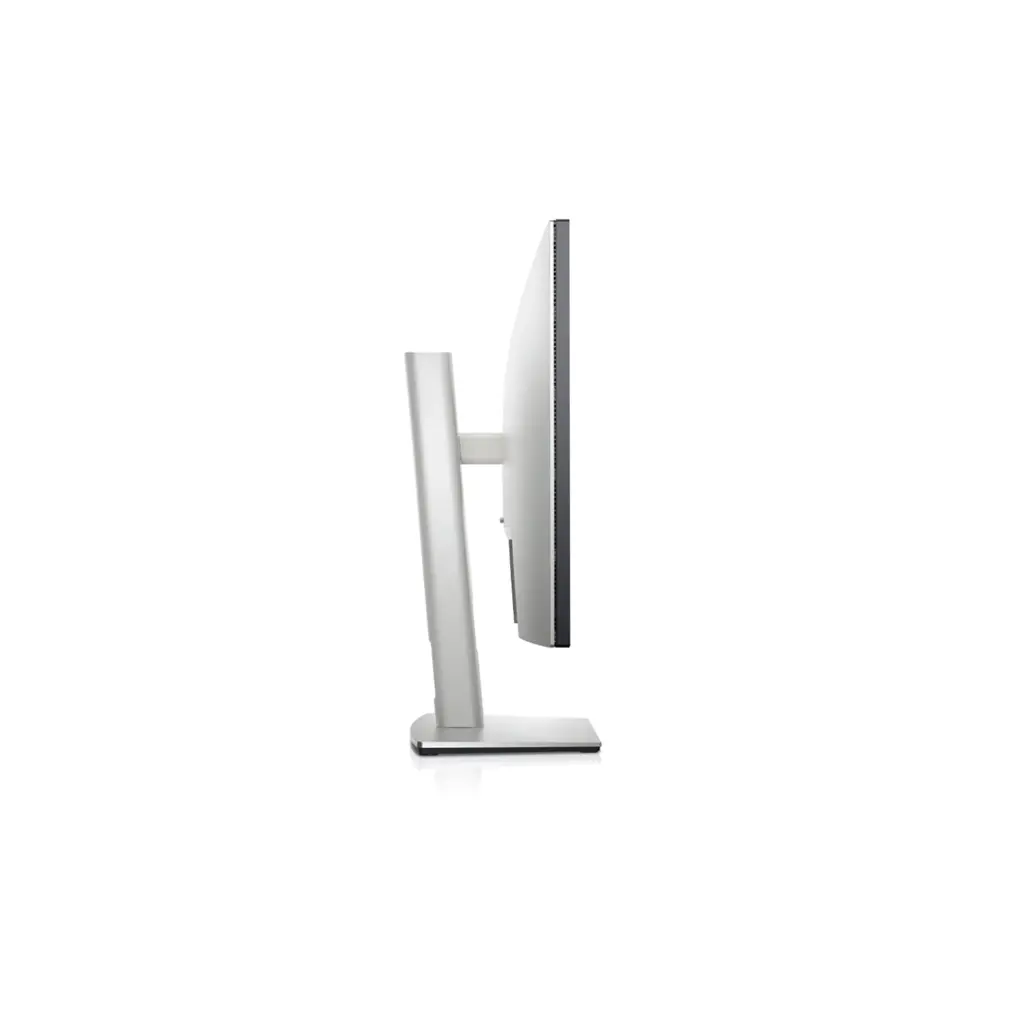
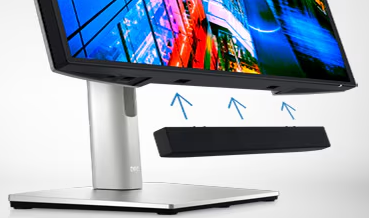
| A step forward in designBeauty meets function: Masterfully crafted with a premium platinum silver finish, small base and an elegant cable management system that hides cords within the monitor riser. Easy to use: Navigate the menu and adjust screen settings with the joystick control. We’ve also given you the option to snap on the Dell Slim Soundbar (SB521A) and enjoy exceptional sound quality. Comfort is key: Tilt, swivel, pivot and adjust the height of your monitor to a maximum of 150mm because you should be comfortable while you work. Expand your efficiency: Experience a seamless view across multiple monitors with the virtually borderless InfinityEdge design.
|
Green thinking: For today and tomorrowEnvironmental standards: This monitor meets the latest regulatory and environmental standards such as EnergyStar®, EPEAT® Gold, and TCO Certified. Eco-conscious packaging: To reduce our manufacturing impact on the environment, this monitor is shipped Styrofoam-free and the packaging is made of at least 75% recycled cardboard. Energy conservation: Save energy when your monitor is not in use with PowerNap, a feature that dims or puts your monitor to sleep when it’s not in use. Advancing sustainability: Dell Technologies is committed to reducing environmental impact throughout the product lifecycle.
|
|
| Dell Display ManagerProductive at every level: Easy Arrange allows you to easily tile multiple applications across one or more screens with 38 pre-set window partitions and the ability to personalize up to five windows, giving you improved multitasking abilities. Seamless transitions: The auto-restore feature remembers where you left off, so applications will go back to where you left them, even after you’ve unplugged. More ways to manage: Asset management reports allow IT managers to quickly capture and track monitor information as well as configure multiple monitors at once through a single setup. The key to convenience: Shortcut keys can save you even more time, letting you easily configure your display management settings so you can get to work faster. Expanded compatibility: With support for multiple operating systems, Dell Display Manager helps you stay productive however you work.
|

Operating system
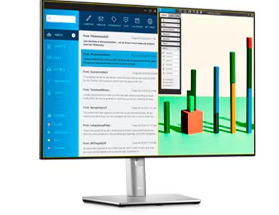
This monitor is compatible with multiple operating systems including Windows and macOS®.
Connectivity Options
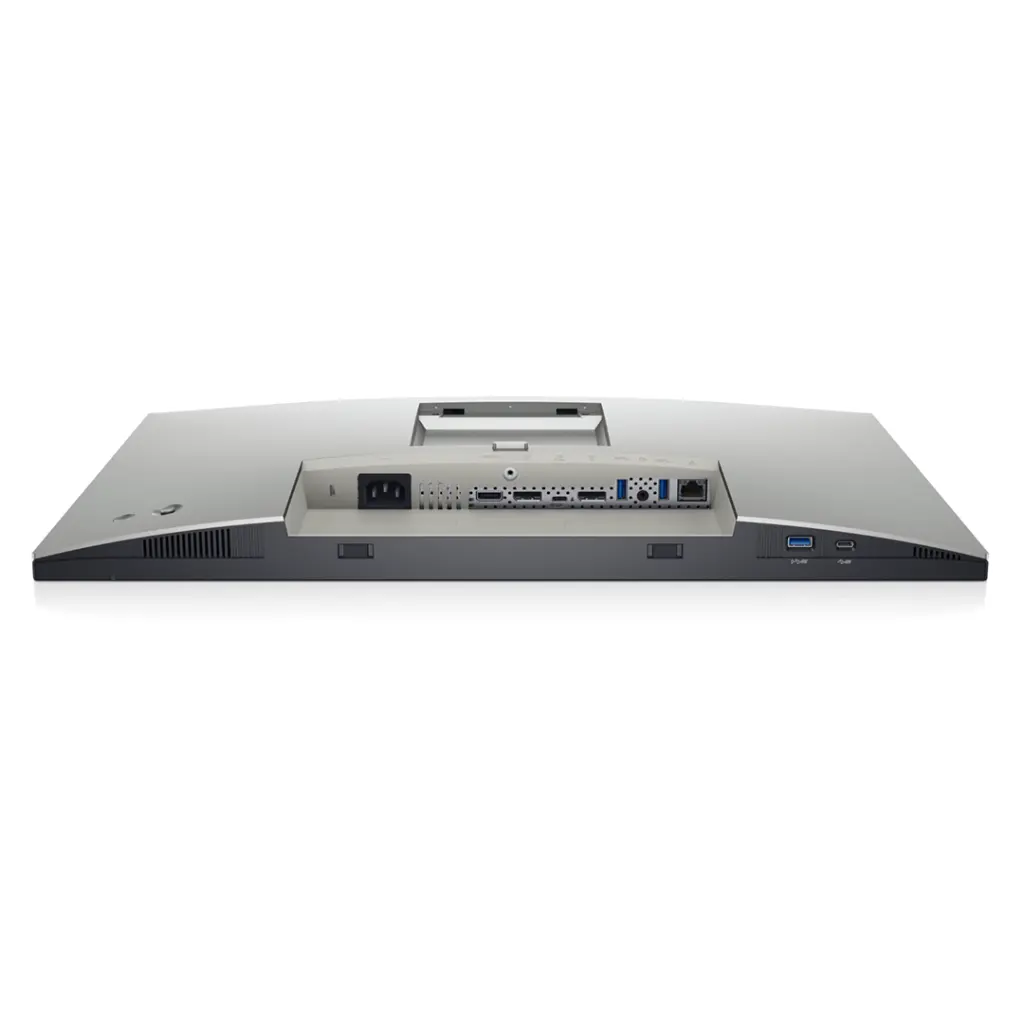
Ports & Slots:
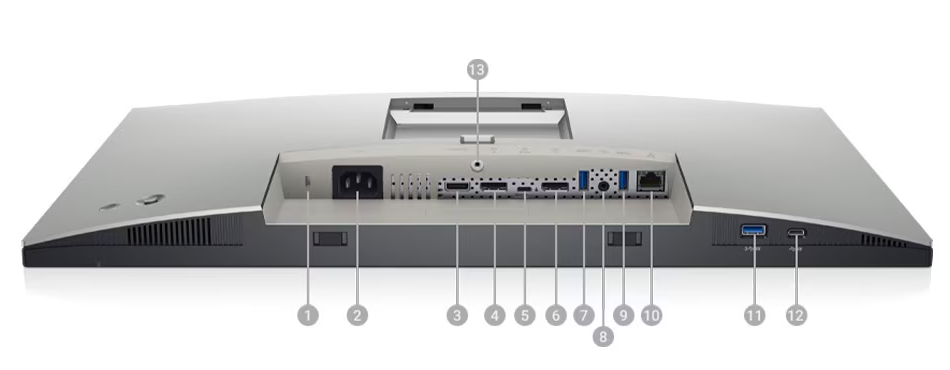
1. Security Lock Slot | 2. Power Connector | 3. HDMI Port | 4. DisplayPort (In) | 5. USB Type-C™/DisplayPort | 6. DisplayPort (Out) | 7. SuperSpeed USB 5Gbps (USB 3.2 Gen1) | 8. Audio Line-Out Port |9. SuperSpeed USB 5Gbps (USB 3.2 Gen1) | 10. RJ-45 Connector | 11. SuperSpeed USB 5Gbps (USB 3.2 Gen1) | 12. USB Type-C™ Downstream Port | 13. Stand Lock
Cables Included:
1. Power Cable | 2. USB-C Cable (C to C) | 3. USB-C Cable (C to A) | 4. DP to DP Cable
Specifications
General
Display Type LED-backlit LCD monitor / TFT active matrix | Diagonal Size 24.1" | USB Power Delivery 90 Watt |
Panel Type IPS | Aspect Ratio 16:10 | Native Resolution WUXGA 1920 x 1200 at 60 Hz |
Pixel Pitch 0.27 mm | Pixel Per Inch 94 | Brightness 350 cd/m² |
Contrast Ratio 1000:1 / 1000:1 (dynamic) | Color Support 16.7 million colors | Color Gamut 99% Rec 709, 99% sRGB |
Response Time 8 ms (gray-to-gray) | Vertical Refresh Rate 49 - 76 Hz | Horizontal Refresh Rate 30 - 83 kHz |
Horizontal Viewing Angle 178° | Vertical Viewing Angle 178° | Screen Coating Anti-glare, 3H Hard Coating |
Backlight Technology LED backlight | Features 99% sRGB color gamut | Dimensions (WxDxH) 20.9 in x 6.8 in x 14.3 in - with stand |
Connectivity
Interfaces
|
Mechanical
Display Position Adjustments Height, pivot (rotation), swivel, tilt | Tilt Angle -5°/+21° | Swivel Angle -45°/+45° |
Height Adjustment 5.9 in | VESA Mounting Interface 100 x 100 mm | Height Adjustment 150 mm |
VESA Mounting Interface 100 x 100 mm |
Miscellaneous
Features Security lock slot (cable lock sold separately) | Cables Included 1 x DisplayPort cable - DisplayPort to DisplayPort 1 x USB-C cable - USB-C 1 x USB-C cable - USB Type C to A | Compliant Standards HDCP 1.4 |
Security Slot Type Kensington security slot |
Power
Input Voltage AC 120/230 V (50/60 Hz) | Power Consumption (On mode) 17.2 W
| Power Consumption (Typical) 30 Watt |
Power Consumption Stand by 0.5 Watt | Power Consumption Sleep 0.3 Watt | Power Consumption (Off Mode) 0.3 Watt |
On / Off Switch Yes |
Dimensions & Weight
Dimensions & Weight Details
|